Aicono uses AI to automatically organize your cluttered Windows desktop. Group icons by category, arrange them neatly, and keep your workspace clean.
Runs from a USB stick. No install, no account, no cloud sync.
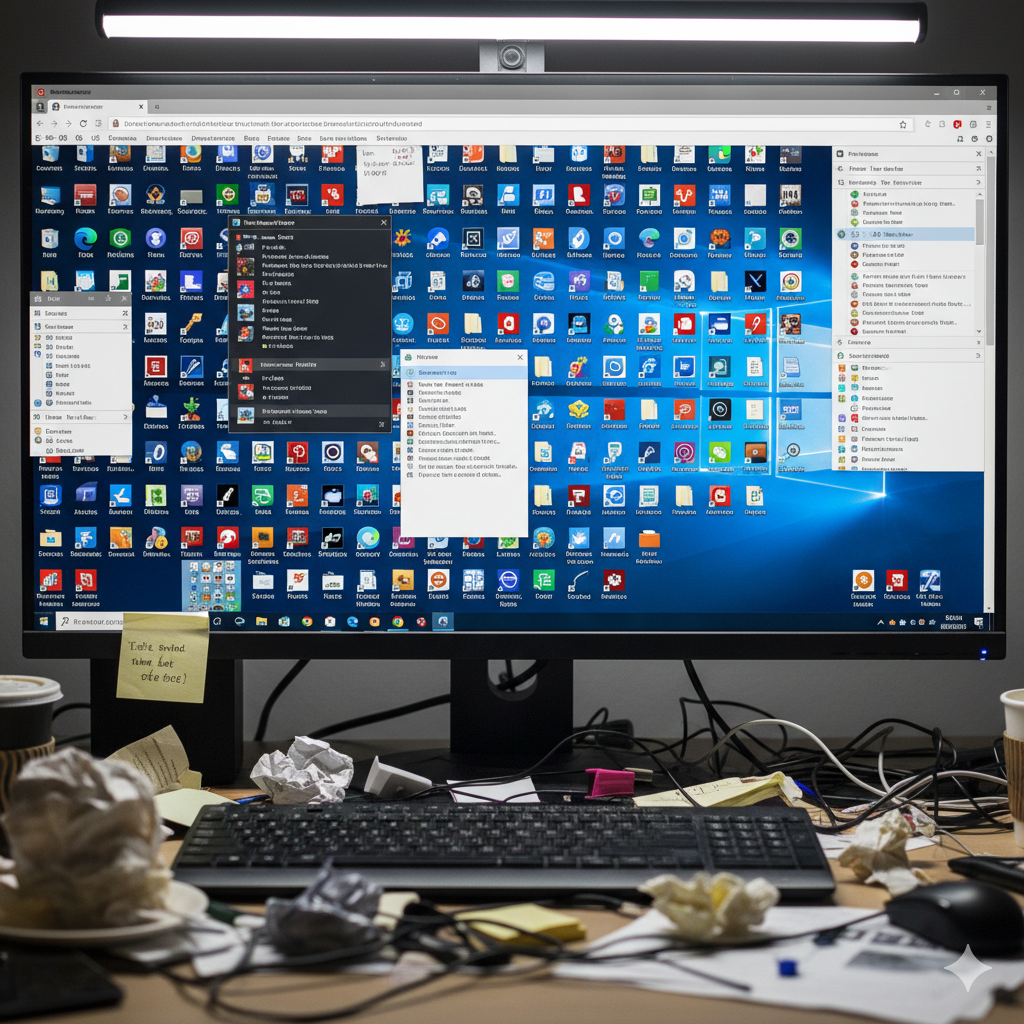
Before
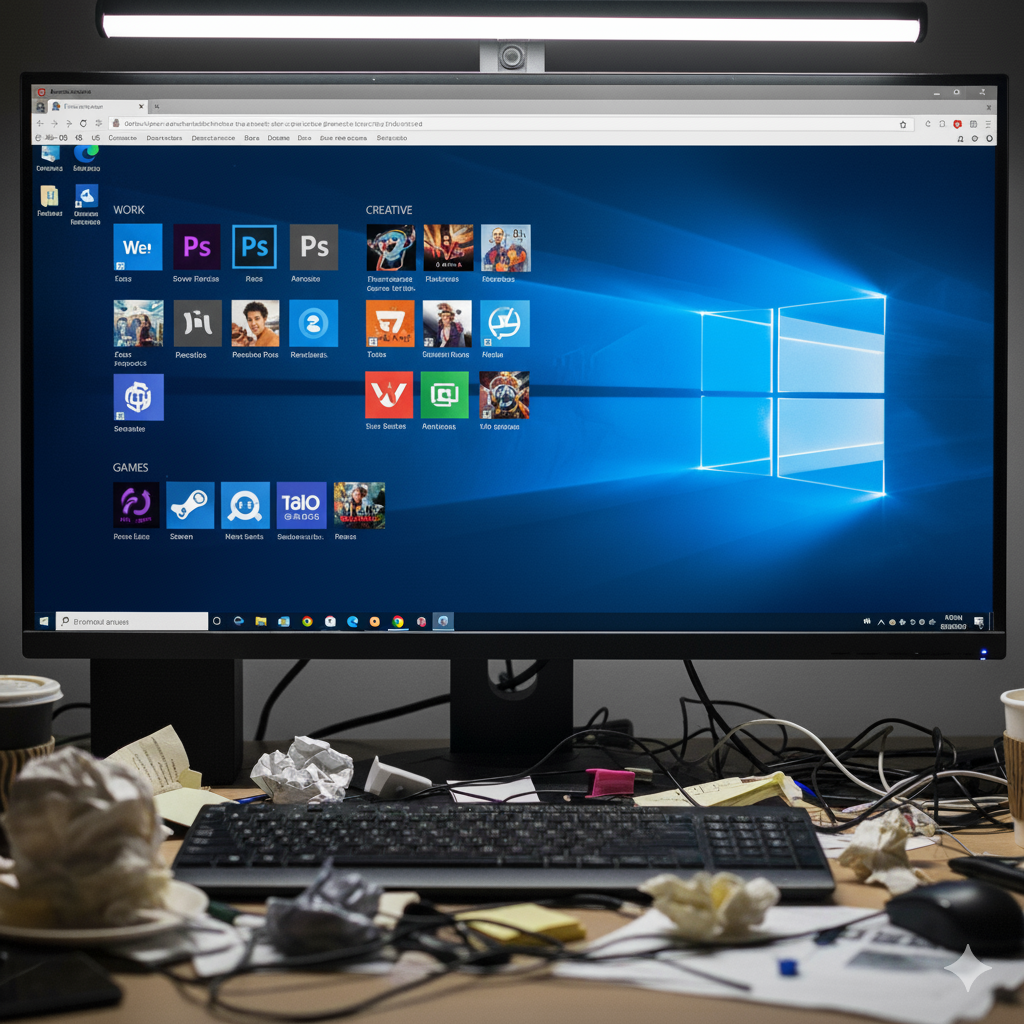
After
An AI-powered desktop icon organizer for Windows that runs locally and respects your privacy.
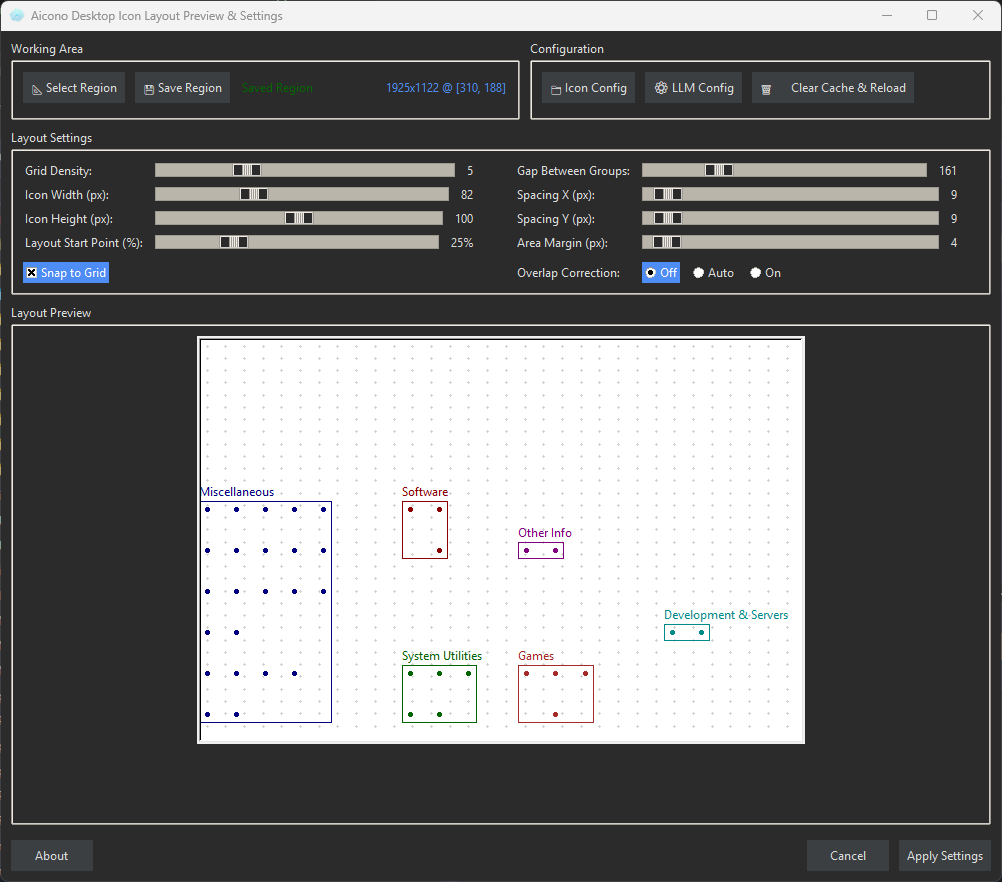
Choose which part of your desktop Aicono should manage. Icons outside this area are left untouched.
Aicono analyzes your desktop icons and groups them by category โ Work, Games, Utilities, and more โ using a local AI model.
Review the AI suggestions, drag and drop to adjust groups, and let Aicono arrange everything neatly without overlaps.
Reviewed and recommended by publications across the software space.
"...an innovative free Windows tool that automatically organizes desktop files and icons using local AI."
Read full article โ"...a practical AI-powered solution for automatically organizing the Windows desktop. Intelligent categorization, portable usage, and local AI support."
View on CHIP โ
"๐ง Aicono automatically organizes your cluttered Windows desktop using AI. Group icons intelligently, arrange them neatly โ free and portable! ๐ฏ"
View on AlternativeTo โ
"Aicono automatically organizes your Windows desktop using AI. Free, portable, and privacy-focused."
View on Softpedia โ"Organize your desktop with AI. Automatically group and arrange icons in a customizable working area."
View on Microsoft Store โSponsored
Aicono is a Windows application that uses AI to group desktop icons by category and arrange them neatly.
Aicono is your AI-powered desktop icon organizer. Unlike manual cleanup tools that require constant rework, Aicono builds an understanding of your desktop icons and groups them logically โ Work, Games, Utilities, and more. Open it tomorrow and it remembers your preferences.
Visualize your desktop structure, fine-tune with a drag-and-drop WYSIWYG editor, and let Aicono arrange everything without overlaps. Everything runs on your machine. Your files stay yours.
Sponsored
Your desktop AI assistant that respects your privacy and works offline.
Scattered icons make it hard to find anything. Aicono groups and arranges them automatically so you can focus on your work.
As soon as you organize your desktop manually, new files and shortcuts scatter everywhere again. Aicono gives you a repeatable, AI-powered cleanup.
Aicono runs fully on your machine. No uploads, no accounts, no cloud sync unless you choose it.
Built-in AI models handle most cases. For advanced users, connect larger custom models through Lemonade, Ollama, or cloud APIs for better accuracy.
The WYSIWYG editor lets you drag icons between groups, resize and rename them. Aicono learns from your adjustments.
Windows snapping and auto-arrange can break custom layouts. Aicono gives you full control with safe reset and backup options.
Everything you need to keep your desktop clean and organized.
Aicono analyzes your desktop icons using AI and groups them by semantic meaning โ Work, Games, Utilities, and more. The built-in lightweight model works offline; connect larger models through Lemonade, Ollama, or cloud APIs for better accuracy.
Positions icon groups cohesively within your custom "Working Area" without overlaps. Select specific desktop regions to keep icon-free.
Drag icons between groups, resize and reposition groups, rename them. See changes in real-time with an intuitive visual editor.
No installation โ just extract and run anywhere. Free Community Edition with no time limits, no account, no cloud sync required.
Built-in default model is lightweight and works offline. For optimal results, use Llama 3.1 8B or higher. Processing scales with icon count.
Automatically categorizes desktop icons into logical groups. Groups are spaced optimally for visual clarity and quick access.
Download the portable executable and run it from anywhere. No installation, no account, no cloud sync unless you choose it.
Sponsored
Students, professionals, gamers, and anyone who wants a cleaner desktop.
Keep study materials, PDFs, and project files organized automatically. Focus on learning, not cleaning up.
Maintain a clean workspace between projects. Group work files, tools, and documentation without manual effort.
Separate game launchers, media tools, and creative apps into distinct groups. Jump between workflows instantly.
Organize photos, documents, bills, and personal files. Keep sensitive data local with no cloud uploads.
Sponsored
Download, extract, and run. No installation required.
Get Aicono.exe from GitHub Releases or the Microsoft Store. Extract it anywhere, even a USB drive.
Use the built-in AI model or connect Lemonade, Ollama, or cloud APIs for better accuracy. All models run locally.
Choose which part of your desktop Aicono should manage. Icons outside this area are left untouched.
Click Organize Desktop and watch Aicono group and arrange your icons. Fine-tune with the visual editor.
Join the community, leave a review, or support the project.
Join the Discord server to ask questions, share workflows, and get help from other Aicono users.
Join DiscordHave a question, suggestion, or bug report? Open a discussion or issue on GitHub.
GitHub FeedbackDonations via PayPal or Bitcoin Cash help keep the project moving. Visit the support page for all options.
Support & DonateLeave feedback on AlternativeTo to help others discover Aicono.
AlternativeTo FeedbackLeave feedback on Softpedia to let other users know what you think.
Softpedia FeedbackAicono is fully free today. A planned premium option is coming for users who want extra support.
Unlimited use during public preview. Bring your own AI model or run local models. No account, no trial clock.
Optional paid tier. Priority setup help, early access to new integrations, and direct feedback channel. All current features remain available in the free tier.
Not yet available โ join Discord for updates.
Join Discord for updatesSponsored
Other tools from Tetramatrix for productivity, gaming, and AI-powered workflows.
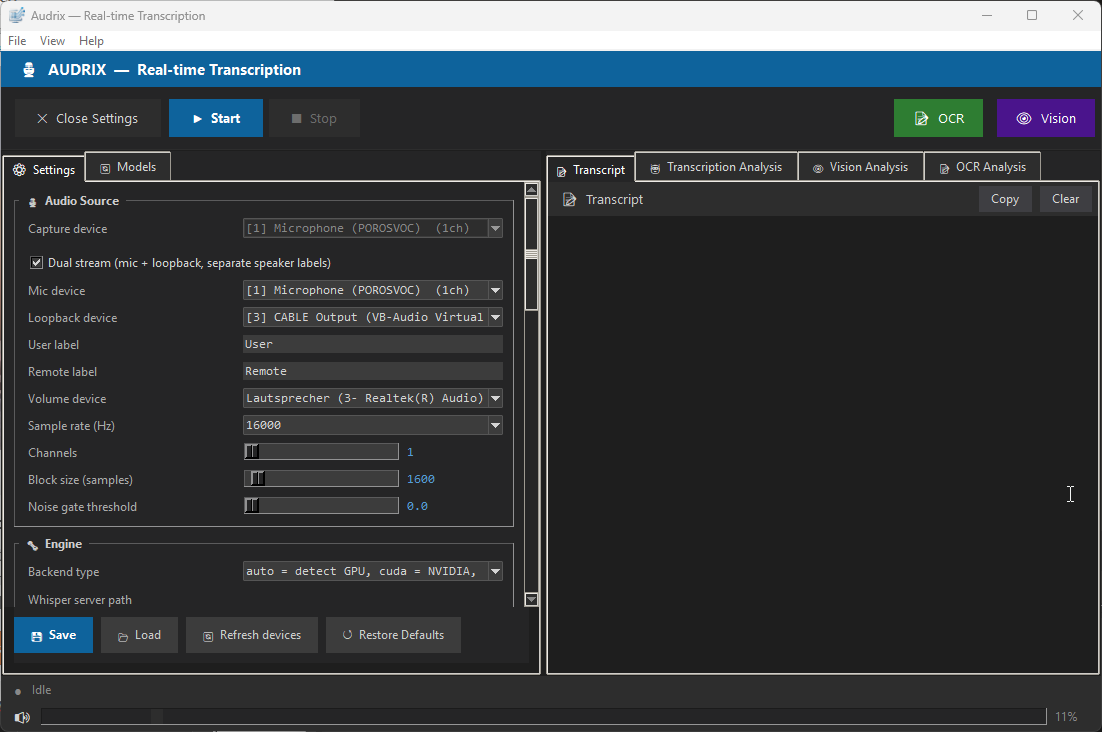
Real-time speech-to-text engine. Capture microphone or system audio, transcribe instantly with noise suppression and crosstalk detection. Runs entirely offline on Windows.
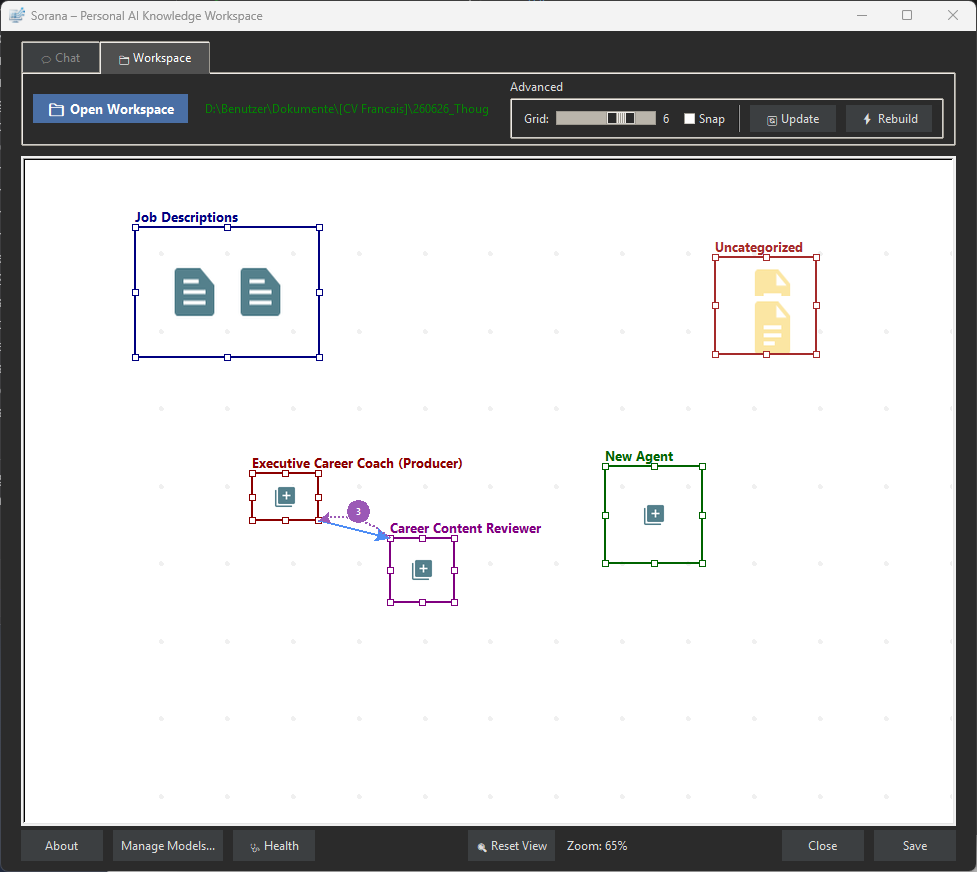
Your personal AI knowledge workspace. Remembers your projects, learns your preferences, chats with documents via RAG, and acts on files, email, and calendar. Free and portable.
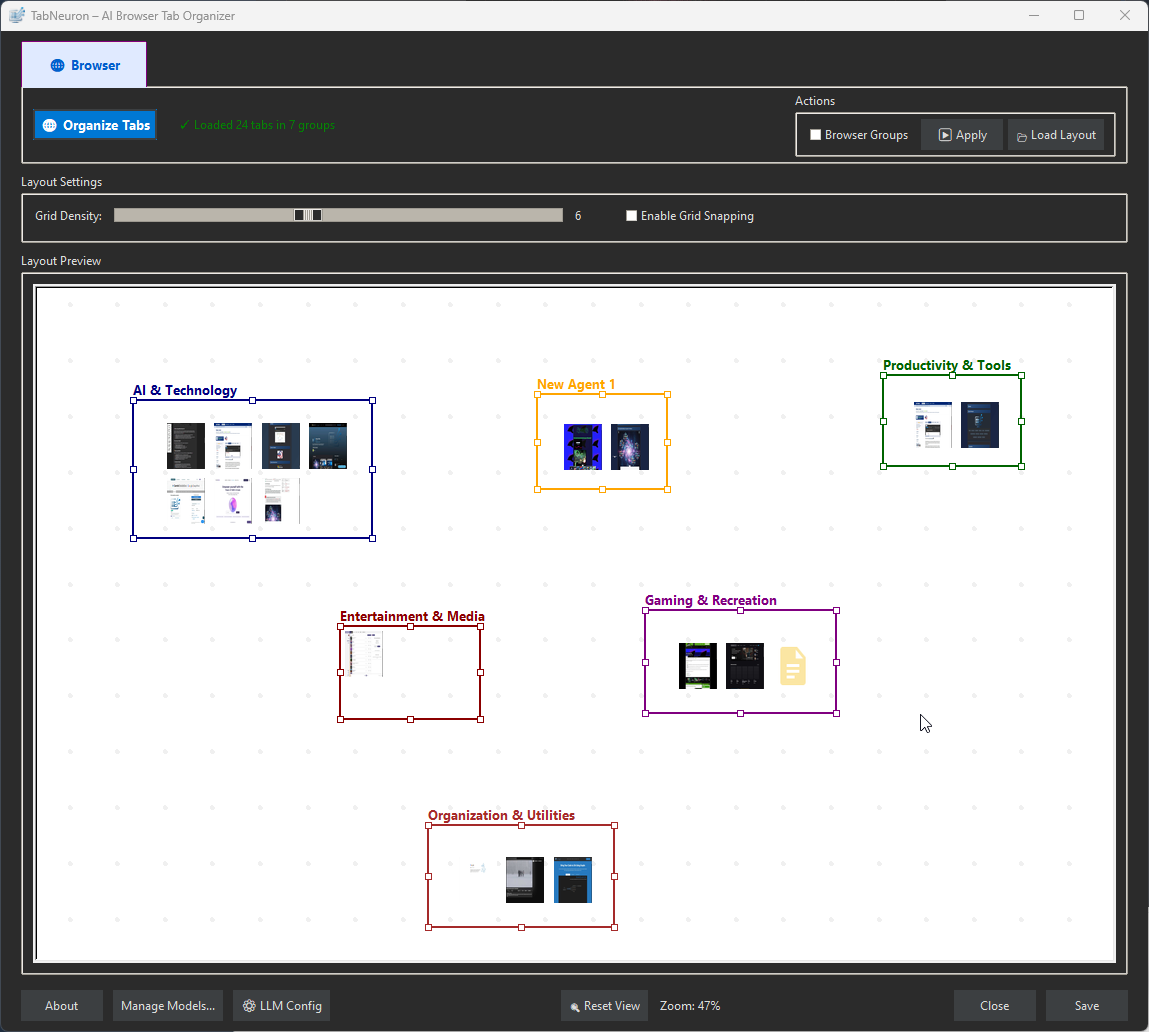
AI Spatial Tab Manager & Research Workspace. Maps browser tabs onto a 2D canvas, AI groups them by content, chat with any page or the live internet.
Quick answers before you download.
Aicono is completely free to download and use. You can connect local AI models (Lemonade, Ollama, Llama.cpp) that run offline, or use cloud APIs with your own key for better accuracy.
You define a custom Working Area in the main window. Icons outside that area are left completely untouched, and the visual editor lets you restore previous layouts at any time.
Yes. Aicono is a portable executable. Extract it anywhere and run it. No installation, no registry changes, no admin rights required.
The built-in lightweight model runs fully offline. For better accuracy, connect Lemonade, Ollama, Llama.cpp, or cloud services like OpenAI and Mistral. The Model Manager lets you browse, favorite, and probe models.
Disable Windows Auto-Arrange for best results. Right-click your Desktop > View > uncheck Auto-arrange icons. Aicono needs full control to arrange your layout.
Sponsored
Download Aicono and get instant access to AI-powered desktop organization. Free, open, and built for productivity.