TabNeuron
AI Spatial Tab Manager & Research Workspace
Inspiration
Most tab managers are confined to tiny browser sidebars or dropdown menus, trapping your research in flat, ephemeral lists. We built TabNeuron because complex web research requires space and permanence. By pulling your browser tabs out onto a native desktop canvas, you gain an infinite 2D workspace to visually group information, analyze it with AI, and take true ownership of your browsing sessions.
What is TabNeuron?
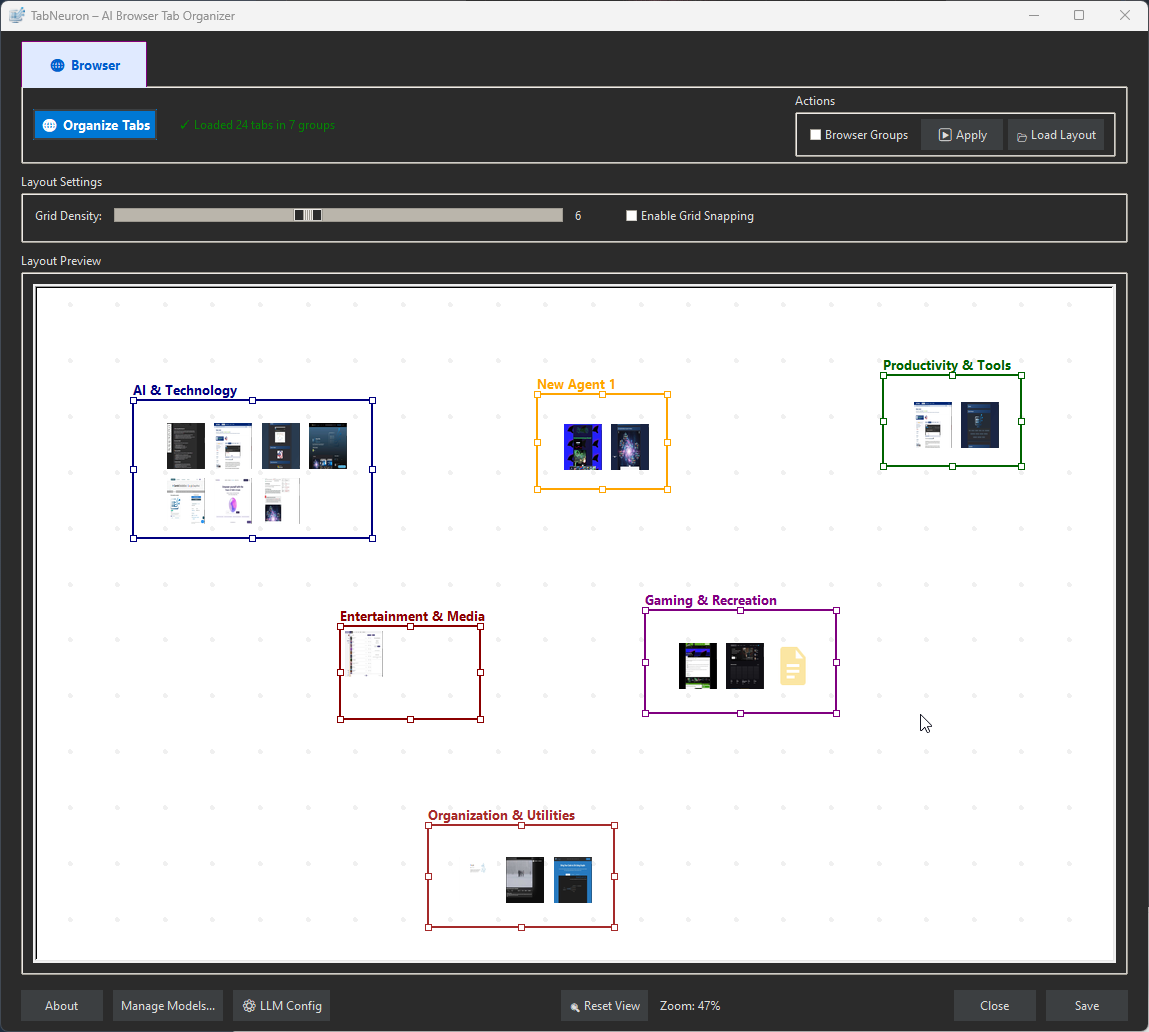
TabNeuron solves the problem that tabs are hidden in browser bars, AI forgets everything between sessions, and web research is manual. Map your active browsing session onto an infinite visual canvas. Organize tabs spatially instead of scrolling through flat lists. Chat with websites to get instant answers without manual reading. Automate research with AI agent pipelines — scrape, analyze, and output in sequence. Sync bidirectionally with Chrome Tab Groups so your browser and workspace stay aligned. AI memory that extracts facts, skills, and preferences from your chats, making answers more accurate over time. Run AI models locally so nothing leaves your machine, or connect to cloud AI.
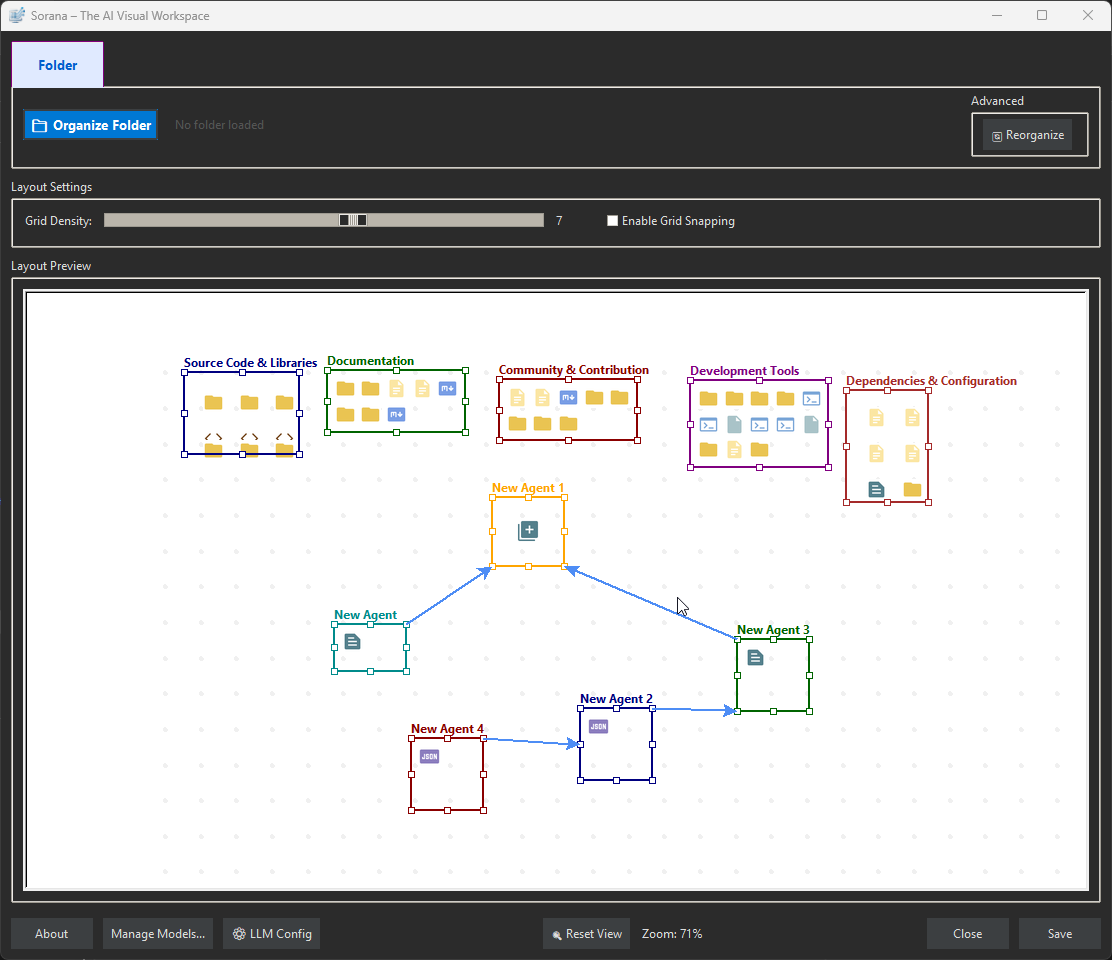
Demonstration of TabNeuron workspace with browser tabs
Core Capabilities
What TabNeuron solves — each category expands to show how it works.
📂 Organize Tabs on Canvas
🔄 Canvas ↔ Browser Sync
💬 Chat with Websites
🤖 AI Agent Pipelines
📸 Visual Previews & Metadata
🧠 AI Memory That Remembers
🔌 MCP Server & Integrations
☁️ AI Backends — Local or Cloud
📦 Technical Details
🔄 Visual AI Workspace ↔ Browser Sync
Your workspace and your browser stay aligned through a controlled bidirectional sync.
Workspace → Browser
Browser → Workspace
AI Memory & Smart Routing
TabNeuron's AI remembers who you are, what you prefer, and what you've discussed — making every answer more accurate while using dramatically fewer tokens. Perfect for local and private inference.
Memory That Learns Over Time
How It Works
Intent Classification & Smart Routing
Key Benefits
MCP Server & Integrations
TabNeuron solves the problem that file tasks, web research, and email management are all manual, disconnected workflows. Through MCP servers, your AI can interact with files, web content, and external services — all through conversation. Connect any third-party MCP server (Google Drive, GitHub, PostgreSQL, custom tools) for unlimited extensibility.
- Open MCP Manager to configure and enable servers
- Connect external MCP servers if needed (Google Drive, GitHub, databases, etc.)
- Create an agent in the workspace
- Right-click on the agent title and select "Chat"
- Interact directly with files, folders, web content, and external services
MCP Manager
File Operations
Web Content Tools
Document Processing & OCR
Problem: Scanned PDFs and images are invisible to AI — no text content to search or chat with.
Solution: OCR extracts text from scanned documents, images, and PDFs. Once processed, documents become searchable and indexed via adaptive retrieval (semantic search → keywords → full-text fallback) so AI finds precise answers from your documents. Process documents via the context menu ('Document Overview' and 'Process Documents') — particularly valuable for PDFs and image-based documents.
OCR Capabilities
Encoding Support Notes
👁️ Vision & Image Analysis
Problem: "What's in this image/screenshot/tab?" — Opening images, trying to extract text or understand visual content manually.
Solution: Analyze images, screenshots, and webpage visuals with local AI vision models. Ask questions about image content, extract text from photos, analyze diagrams, understand charts — all through conversation. Or add image analysis results directly to your document index for future RAG searches.
Vision Capabilities
Requirements
AI Backends & Models
AI Model Performance
AI Integration
Model Manager Split View
Hardware Requirements
Recommendation
💬 Chat with Websites
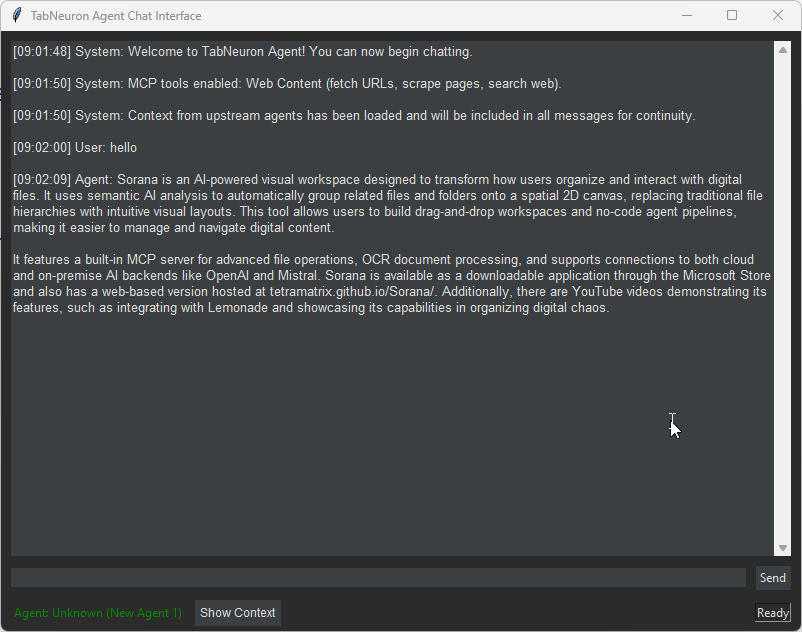
Talk directly to your open tabs. TabNeuron extracts the DOM content and metadata from your selected tabs and feeds it into your chosen LLM context.
How it Works
Use Cases
🤖 AI Research Agents Pipeline
Automate repetitive web research by chaining AI agents together. Build pipelines where one agent's output is directly piped into the next agent's prompt.
Example Pipeline
📦 Browser Extension Setup
Because TabNeuron is a native desktop app, it uses a lightweight extension merely as a bridge to communicate with your browser via a local polling API.
Configuration Bridge
Need help? Visit our Chrome Extension Support Page for detailed installation guides, screenshots, and troubleshooting.
System Requirements
| Component | Minimum |
|---|---|
| OS | Windows 11 (64-bit) |
| 🌐 Browser | Google Chrome (required for extension) |
| 🧠 AI Support | Built-in models or on-prem/cloud AI services |
| 💾 RAM | ≥ 4 GB |
| 💽 Storage | Minimum 2 GB (app + model) + .tabneuron/ data folder |
| ⚡ Rights | Standard user |
🚀 Get TabNeuron
Download the application, then install the Chrome extension.
$ md5sum.exe TabNeuron.exe v1.0.9 7c7542727428030e09881dd9d662acbe
After installation: Configure the browser extension and click Start. Then launch TabNeuron and select Organize Tabs to begin the synchronization. The app will display the synchronization progress. Done! The extension connects to localhost:5555 (default port).